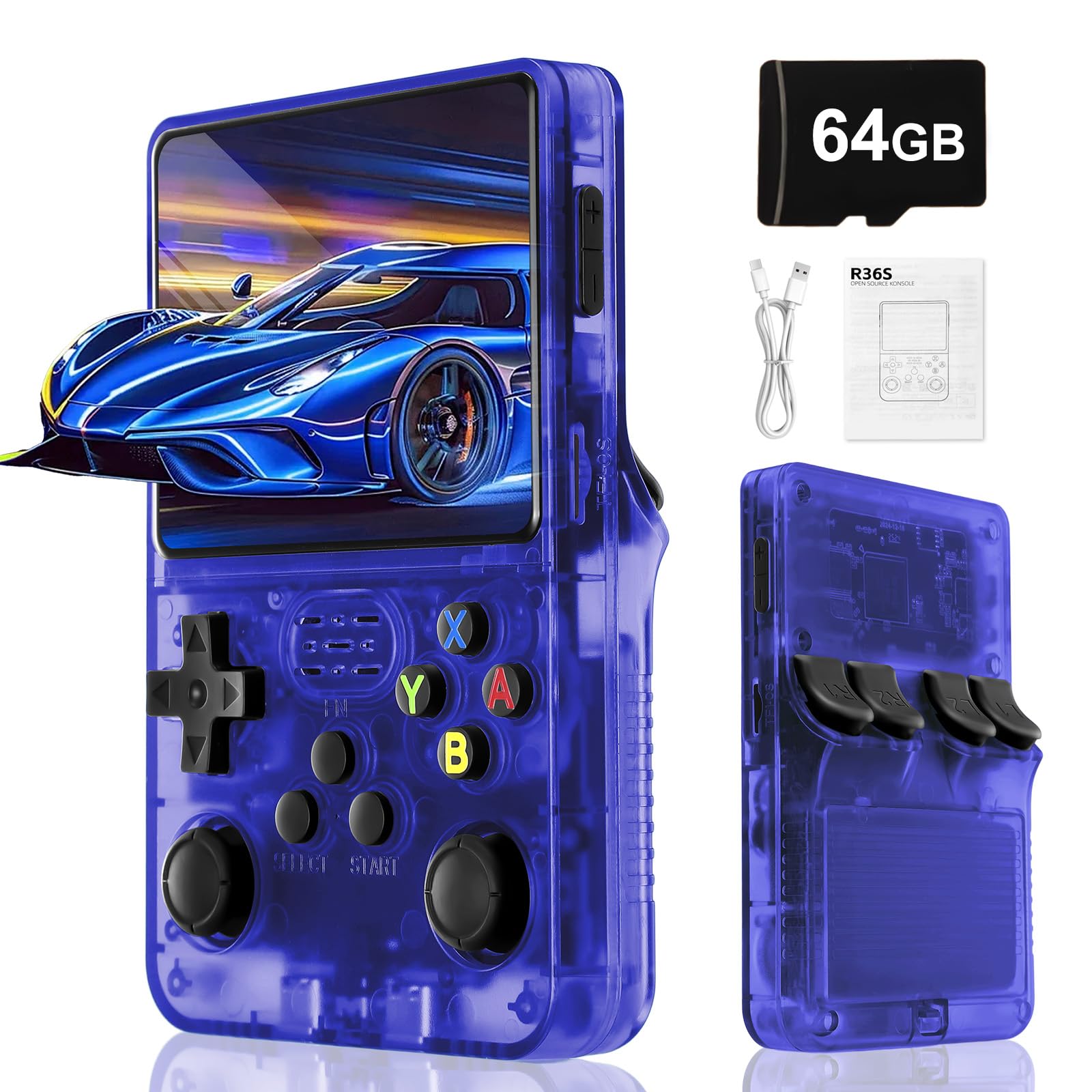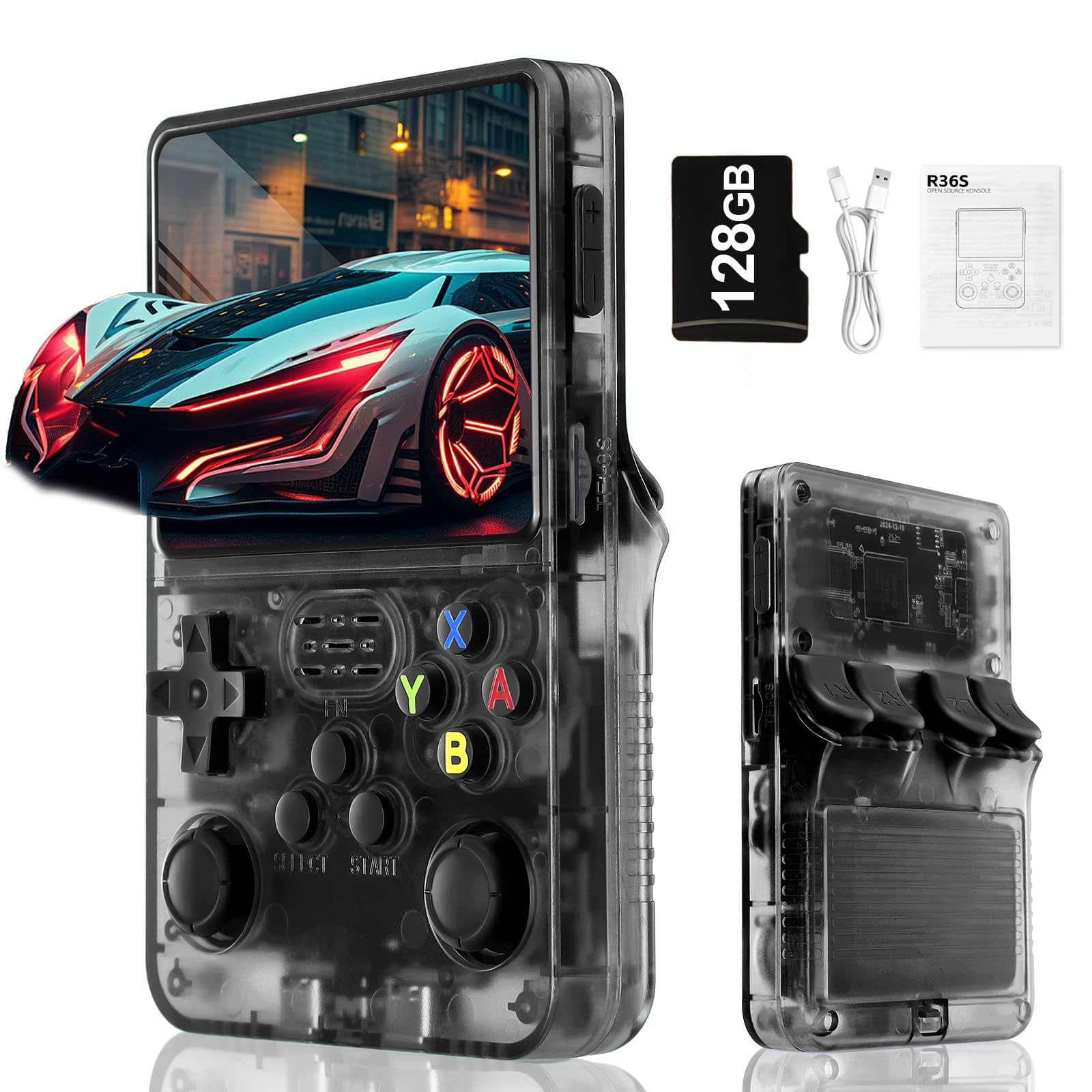
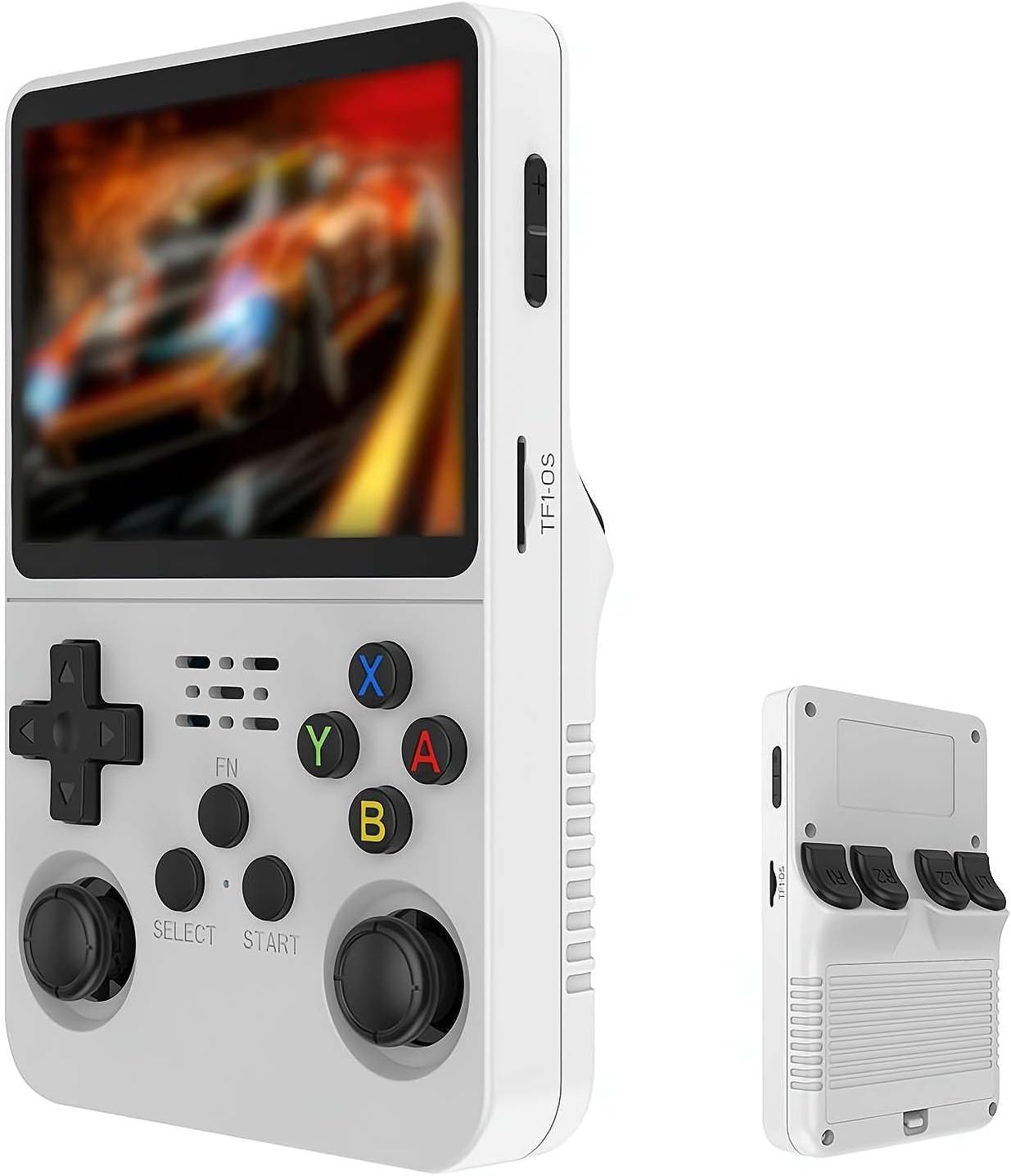

Keyboy Game Console R36S Retro Handheld Game Console with 64/128G Built-in 21000+ Classic Games, Open Source Linux System 3.5 Inch IPS Screen Portable Pocket Video Player White 128G
About this item
- Massive Game Library: Pre-loaded with over 21,000 classic games spanning multiple retro gaming systems, providing endless entertainment with beloved titles from arcade, console, and handheld gaming history all in one portable device
- Generous Storage Capacity: Features 128GB of built-in storage space, offering ample room for the extensive game collection while allowing flexibility to add your own games and content to personalize your gaming experience
- Vibrant Display Quality: Equipped with a 3.5-inch IPS screen that delivers sharp, clear visuals with wide viewing angles and accurate color reproduction, ensuring an immersive retro gaming experience with crisp graphics and smooth gameplay
- Open Source Flexibility: Runs on an open source Linux operating system that provides customization options and the ability to modify settings, add emulators, and expand functionality according to your preferences and technical expertise
- Compact Portable Design: Pocket-sized handheld form factor in an elegant white finish makes it easy to carry anywhere, perfect for gaming on the go whether traveling, commuting, or simply relaxing at home
Product description
Product description The Keyboy Game Console R36S is a retro handheld gaming device featuring a 3.5 inch IPS screen that delivers clear visuals for an enhanced gaming experience. This portable pocket video player comes with 128GB of storage capacity and includes over 21,000 pre-loaded classic games, offering extensive entertainment options. Operating on an open source Linux system, the console provides flexibility and customization possibilities. The compact design makes it convenient to carry and play games on the go, while the white finish gives it a clean, modern appearance. The handheld console is designed for gaming enthusiasts who appreciate retro titles and value portability in their gaming devices. Directions Remove from packaging. Charge the console. Turn on the console. Select a game. Use the push button controller to play.
Product details
You might also like