Pokémon
✓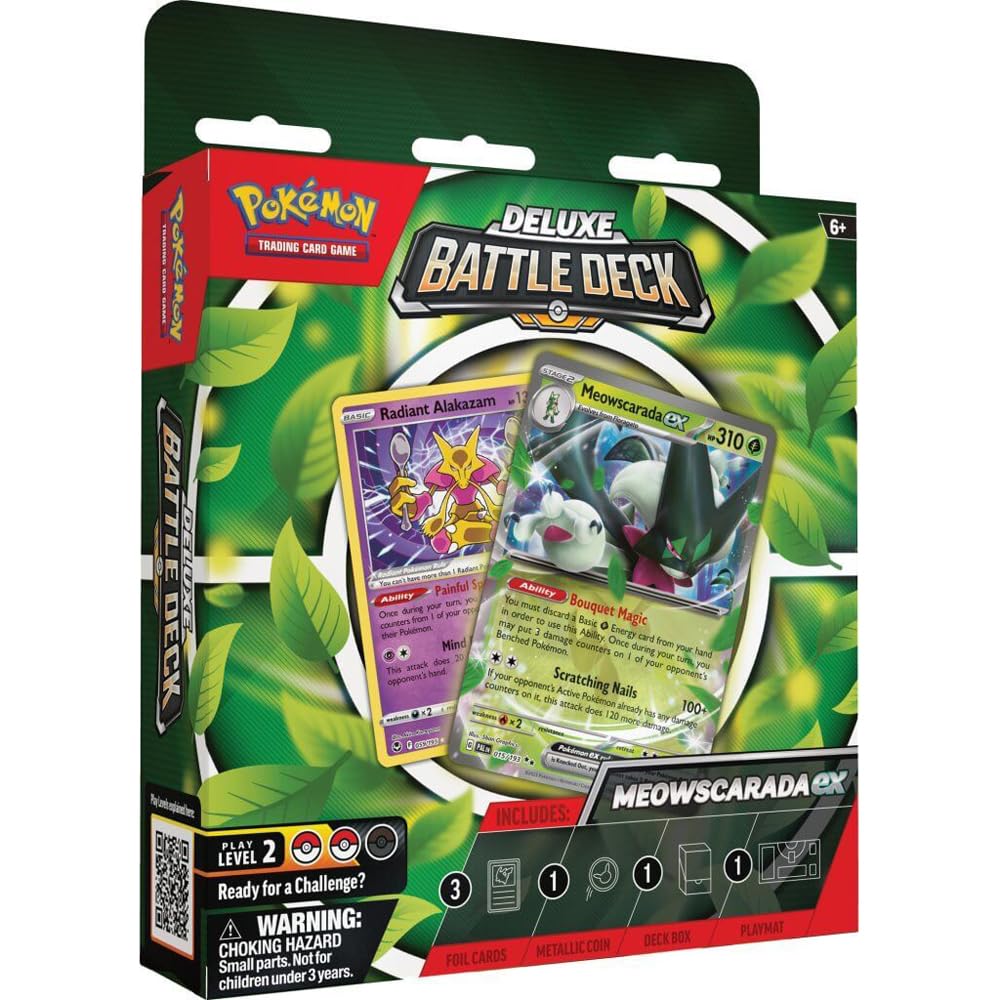
Product Description PokémonTCGprésentoirDeluxeBattleDecksDisplay(6)*ANGLAIS* Directions 1. Open the Pokémon Deluxe Battle Deck and remove all parts from the box. 2. Follow the instructions on the play mat to place your cards and markings. 3. Download and install the Pokémon TCG Live app on your smartphone or tablet. 4. Open the app and create an account if you don't already have one. 5. Go to 'Maps' and select 'Log in Code'. 6. Enter the code on the code card and confirm. 7. Go to 'Play' and select 'Online' to play against others or 'Local' to play against a friend.
You might also like